01 · Choose
Browse the collection
Open Collection and filter by style or name until you find a design that fits your celebration.

EASY PEASY
Pick your design, buy it, personalize it, and share it.

01 · Choose
Open Collection and filter by style or name until you find a design that fits your celebration.
Save the Date
Clara & Mateo
In trial mode you edit the cover for free. Buying unlocks every scene.
02 · Try
After purchase, the invitation is published in your panel. Edit copy, photos, music, and RSVP questions at your pace.
You don’t have to buy blind.
Try it before you unlock it—some features activate when you complete your purchase.
03 · Personalise
Once you buy, your invitation opens in the editor. You don't need to know how to design: everything you want to change has its place, and you see the result as you go.
Visual editor in your browser · nothing to install
Save the Date
Clara & Mateo
12 June 2027
Finca La Almazara · Toledo
Some days are worth a lifetime of waiting.
Your invitation
Heading, names, date, phrase and place: every detail has its own field. You type and the design adapts on its own.
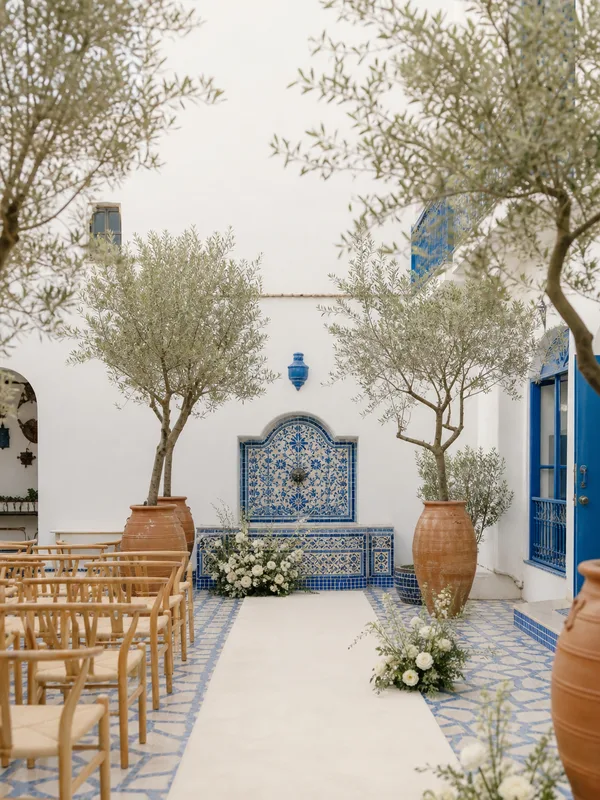 Your photos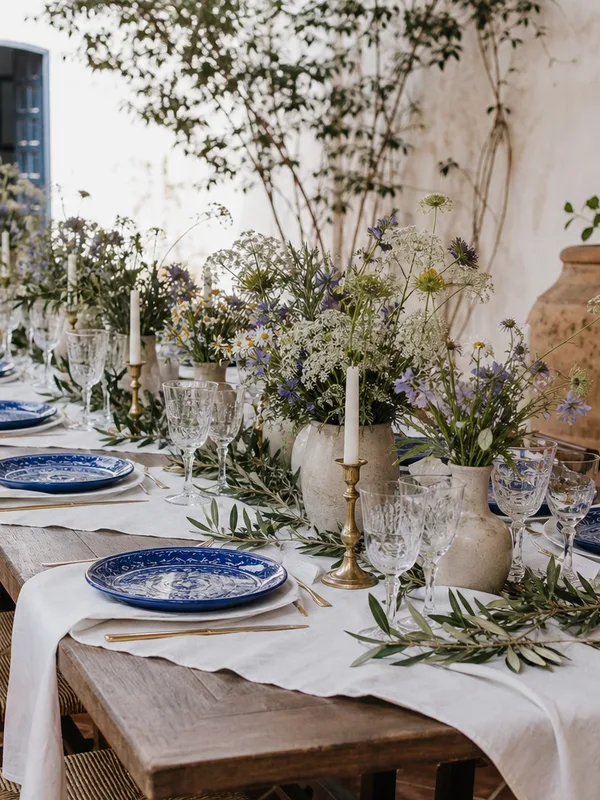
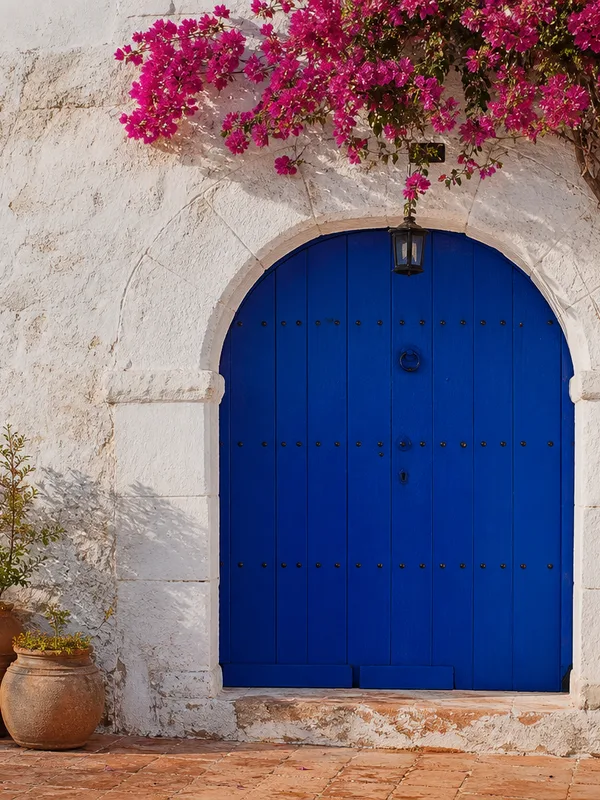
Your invitation
Upload your own images and place them where you want: cover and decorative photos for each scene.
Your invitation
Pick a track from the library to play when the invitation opens. You can hear it before deciding.
In trial mode you edit the cover for free. Buying unlocks every scene.
Your invitation
Your invitation is a chain of scenes. You see them all in the left column and move between them to edit.
Clara & Mateo
Some days are worth a lifetime of waiting.
12 June 2027 · Finca La Almazara · Toledo
Your invitation
Before publishing you see the scene exactly as your guest will. When you like it, you save.
What you see on this page is your invitation's real editor. You change a value, see the result and save. That's it.
Music Studio
Pick music for your invitation or create custom songs in Music Studio.
Your song
Music Studio · Send The Joy
Library
Browse the Send The Joy catalog, listen, and choose what fits your event.
Create with AI
Create custom songs for your invitation, review the result, and add it.
04 · Publish
Answers land in your panel in real time. No more family-group chaos.
05 · Guests
Guests confirm attendance in the RSVP form. You review answers in your panel and see how your list grows.
Your guest
Will you celebrate with us?
Your panel
FAQ
Yes. Add a design to your collection and explore the editor in trial mode before unlocking every feature.
Text, images, editable fields, and scenes—depending on each design.
Yes. Choose from the library or create tracks in Music Studio. You can expand Music Studio from your invitation if you need more.
Yes, when the design supports it. Set languages and adapt each version.
They open the invitation link and confirm in the RSVP form. You see confirmed, pending, and declined in your panel.
Yes. Keep editing and publish again—the shared link stays the same.

